1 — Start here
The workflow starts on the Today screen. When it’s time for a change, tap Track New Site to begin.
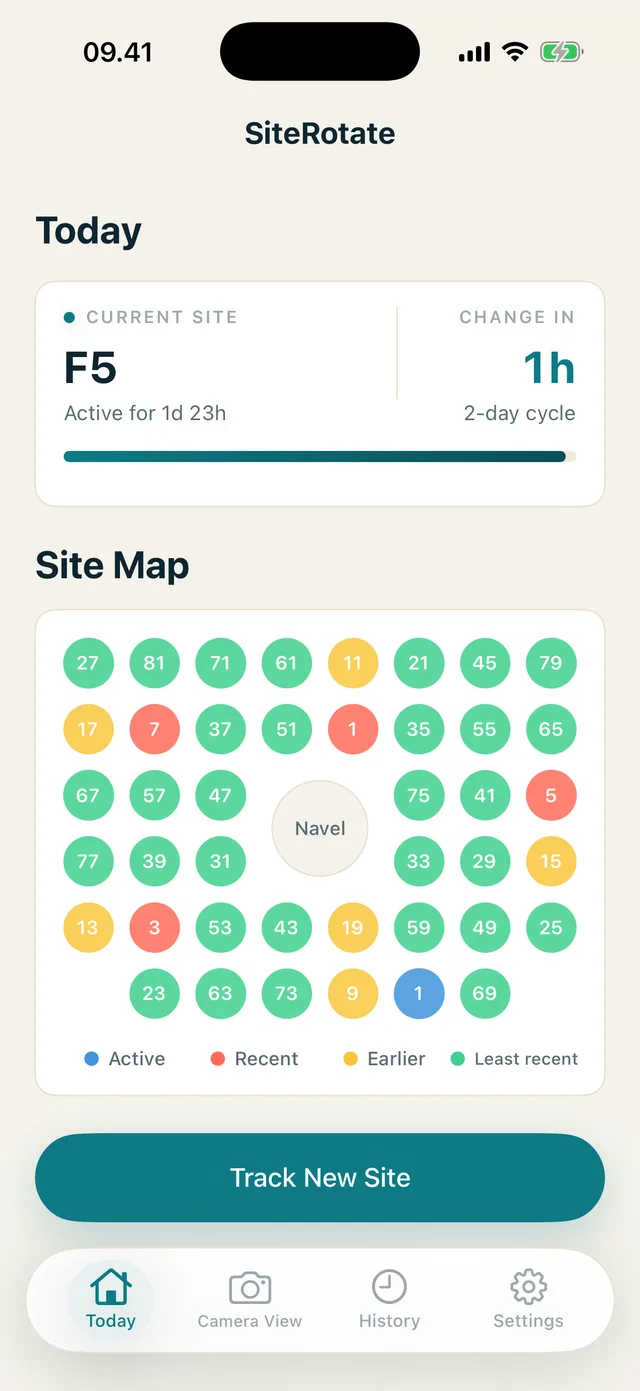
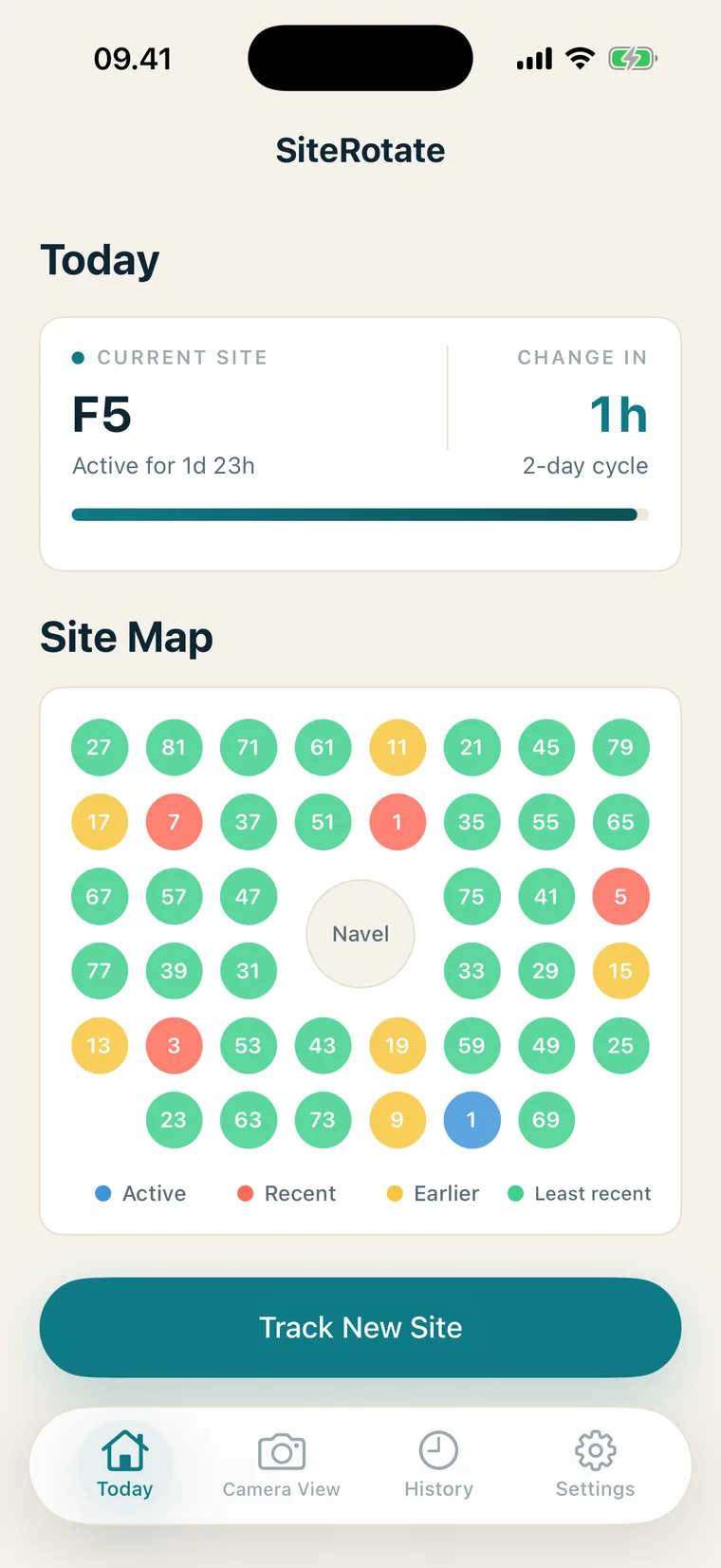
You always know today’s site. But the last few blur together. SiteRotate keeps a simple map of your placements on your iPhone, so the answer is a glance, not a reconstruction.
Pre-launch. No account to create.
New set unwrapped. Adhesive ready. And you pause.
Left side feels recent — or was that last week? The area under your thumb feels familiar, which is exactly the problem. Familiar might mean fine. Familiar might mean the fourth time this month.
Sets change every two or three days. That’s 120-plus placement decisions a year. Most are made mid-routine, half-dressed, and stored in the least reliable database you own: memory. Memory doesn’t keep 120 entries. It keeps a highlight reel and a feeling.
You’re not careless. You’re asking memory to store coordinates, and it was never built for that.
Start a new site, log how the last one went, choose the next area, and place it with the camera grid.
The workflow starts on the Today screen. When it’s time for a change, tap Track New Site to begin.
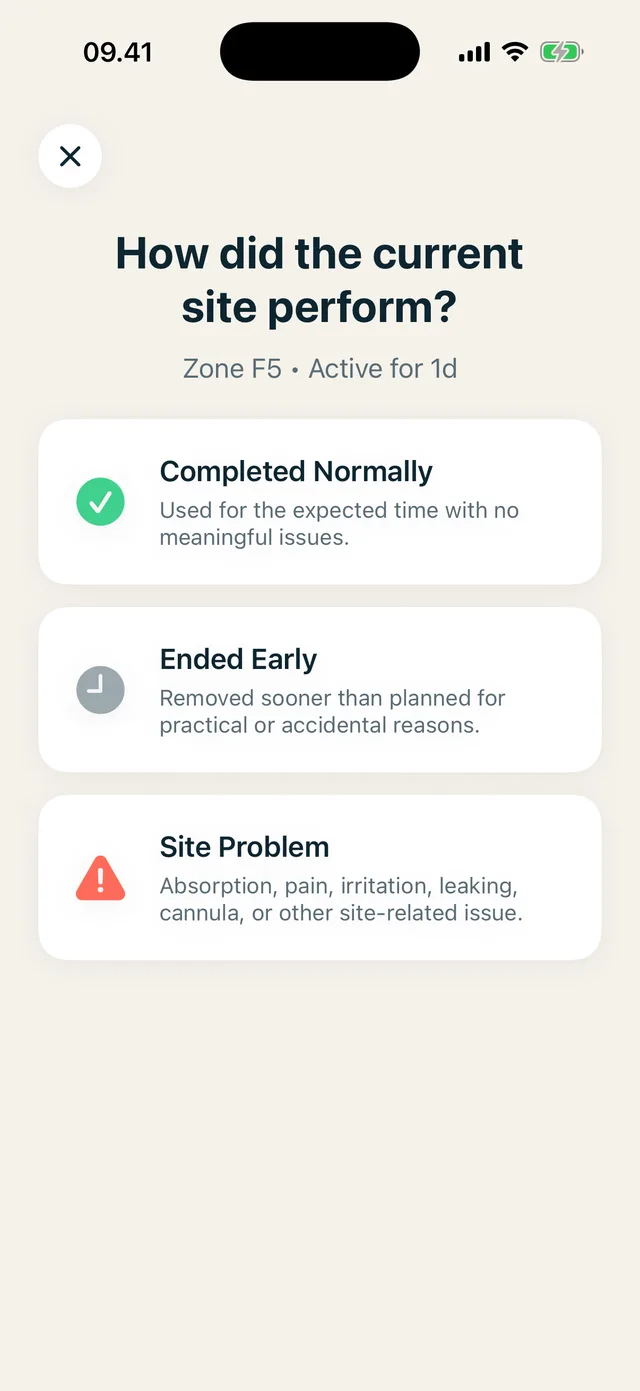
Changing your set? Rate how the outgoing site went: completed normally, ended early, or had a problem. The outcome stays with the placement, so you can review problem sites later.
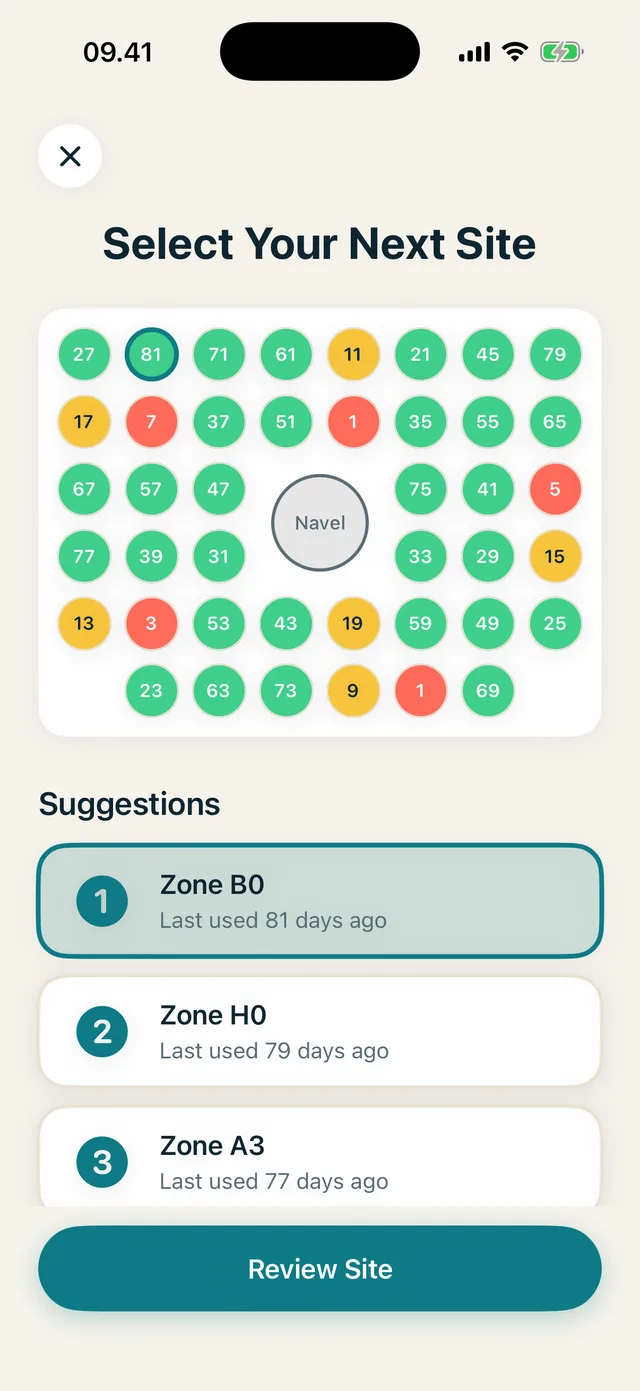
Choose your next site. SiteRotate also lists three suggestions from your own log, ranked by time since last use, with the current site excluded. They’re there for reference; the choice is entirely yours.
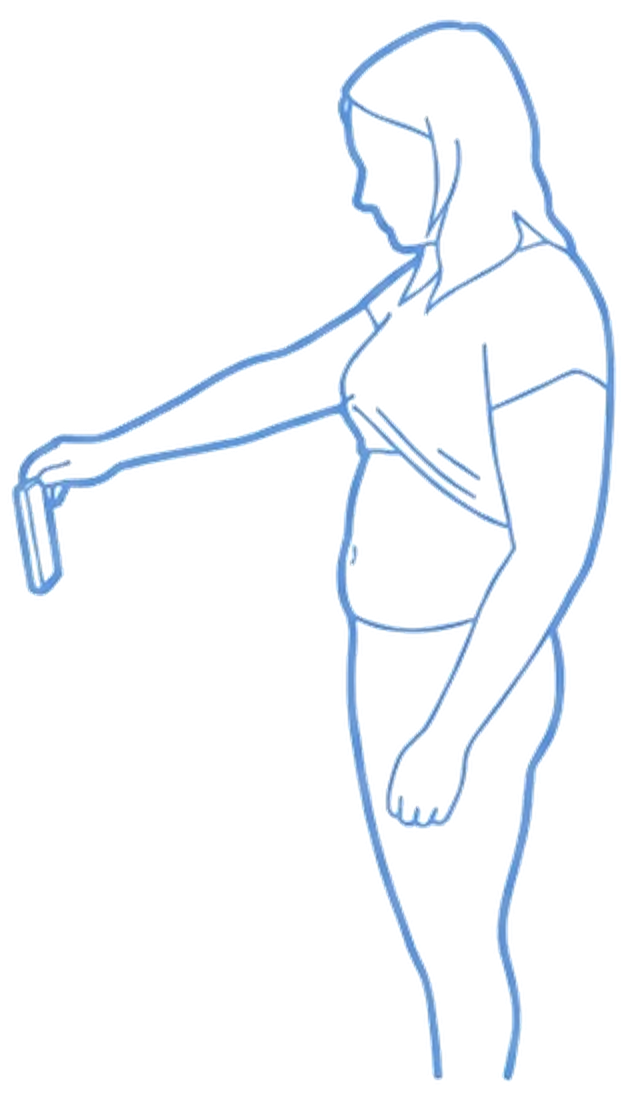
Use the camera grid to place your new site in the area you chose. Resize the grid, switch to manual mode, or skip the camera entirely. You confirm every log.
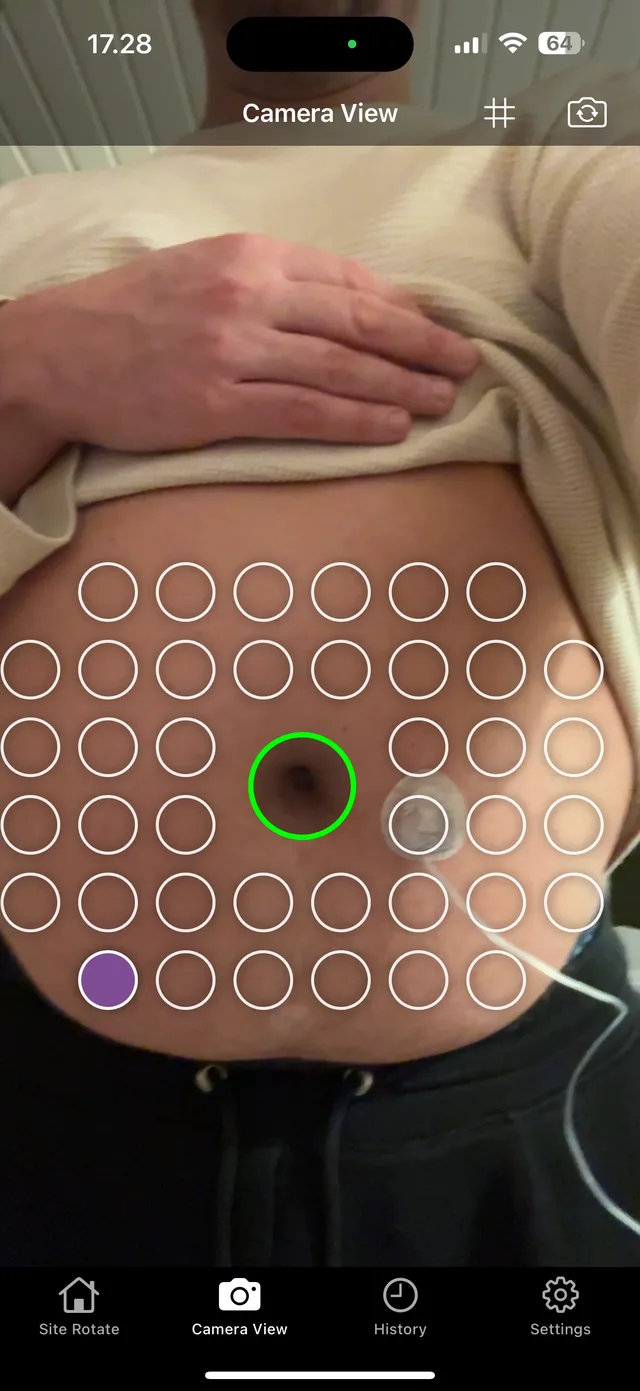
That’s the main workflow. Get launch updates and a say in the beta.
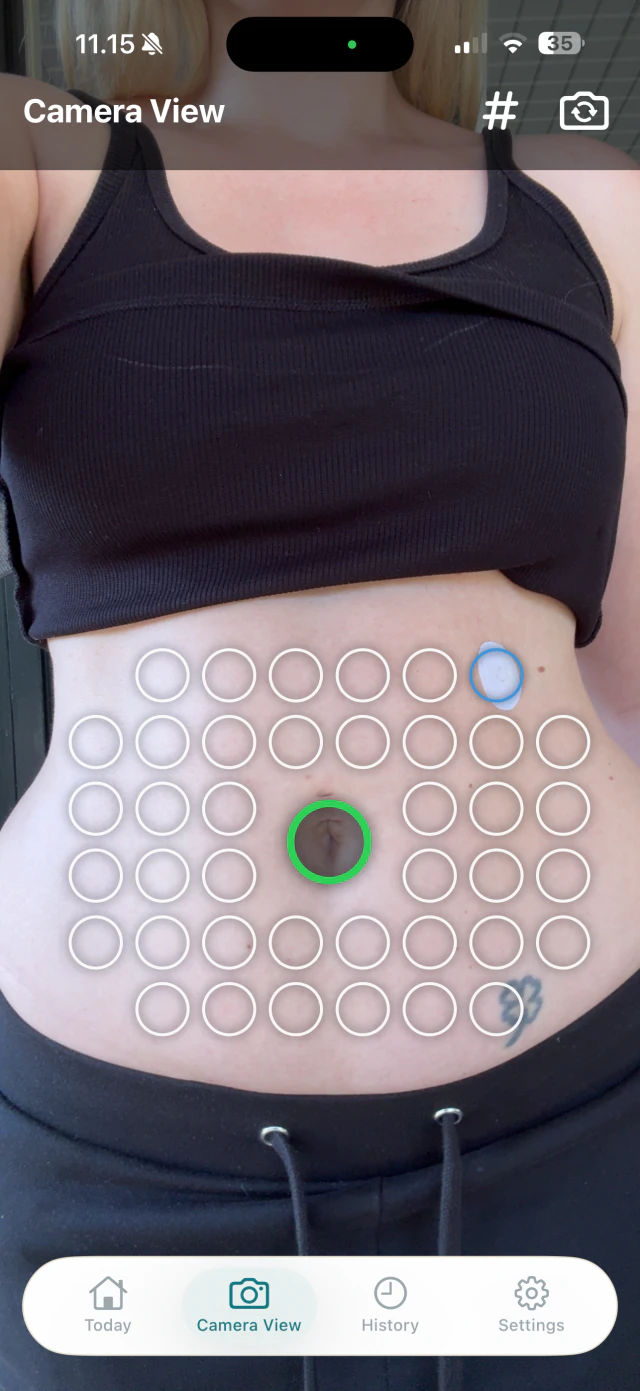
Join beta (iOS only)“Left side, lower-ish” means something different every time you say it. A grid gives each log a repeatable area, so this week’s log means the same thing as last month’s. That’s the entire trick.
Your navel is the one landmark on your abdomen that doesn’t move, so that’s where the grid locks on. A small on-device vision model finds it and lines the grid up around it. The model runs on your iPhone, and camera frames are never stored or uploaded. Same anchor, same map, every time.
SiteRotate will never tell you where your next site goes. That’s not a missing feature: it’s the whole philosophy.
Your map is not the product. Placement history and camera data stay on your iPhone, with no account or cloud sync. Usage analytics are limited to a small set of consented product and diagnostic events and never include your placement history, camera data, or health information.
A map of your abdomen should not live on someone else’s server.
“I kept going back to the same two spots — and I couldn’t see it happening. I tried notes. I tried photos. Neither matched the body map in my head, so I stopped checking them. For a while I thought it was a discipline problem. It wasn’t. It was a map problem. I didn’t want an app telling me where to put a set. I wanted to see my own pattern.”
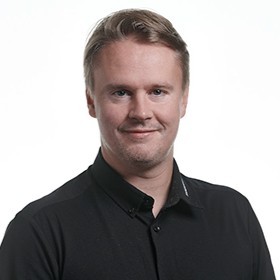
— Lars, founder. Wears a pump. Changes his set every few days.
Yes. Static grid mode lets you log manually.
It helps line the grid up around a repeatable visual reference, so this week’s map matches last month’s. Detection runs entirely on your iPhone, and camera frames are never stored or uploaded. It does not assess your body or the site.
For now, yes. It starts with abdomen tracking, using the navel as the grid’s anchor.
Only from your own log: the three areas you’ve gone longest without using, current site excluded. Ranked history, not a medical recommendation. You decide.
On your iPhone. There’s no account and no cloud sync.
No. SiteRotate is a personal tracking app for infusion site history. Questions about your routine belong with your care team.
Your next set change is a couple of days away. The one after that, two or three more. SiteRotate is pre-launch; early access gets you launch updates and a chance to shape the beta, so the next time you’re standing there, new set in hand, you already know.
Only launch news and beta invites.